
Features
Listings, tours and maps
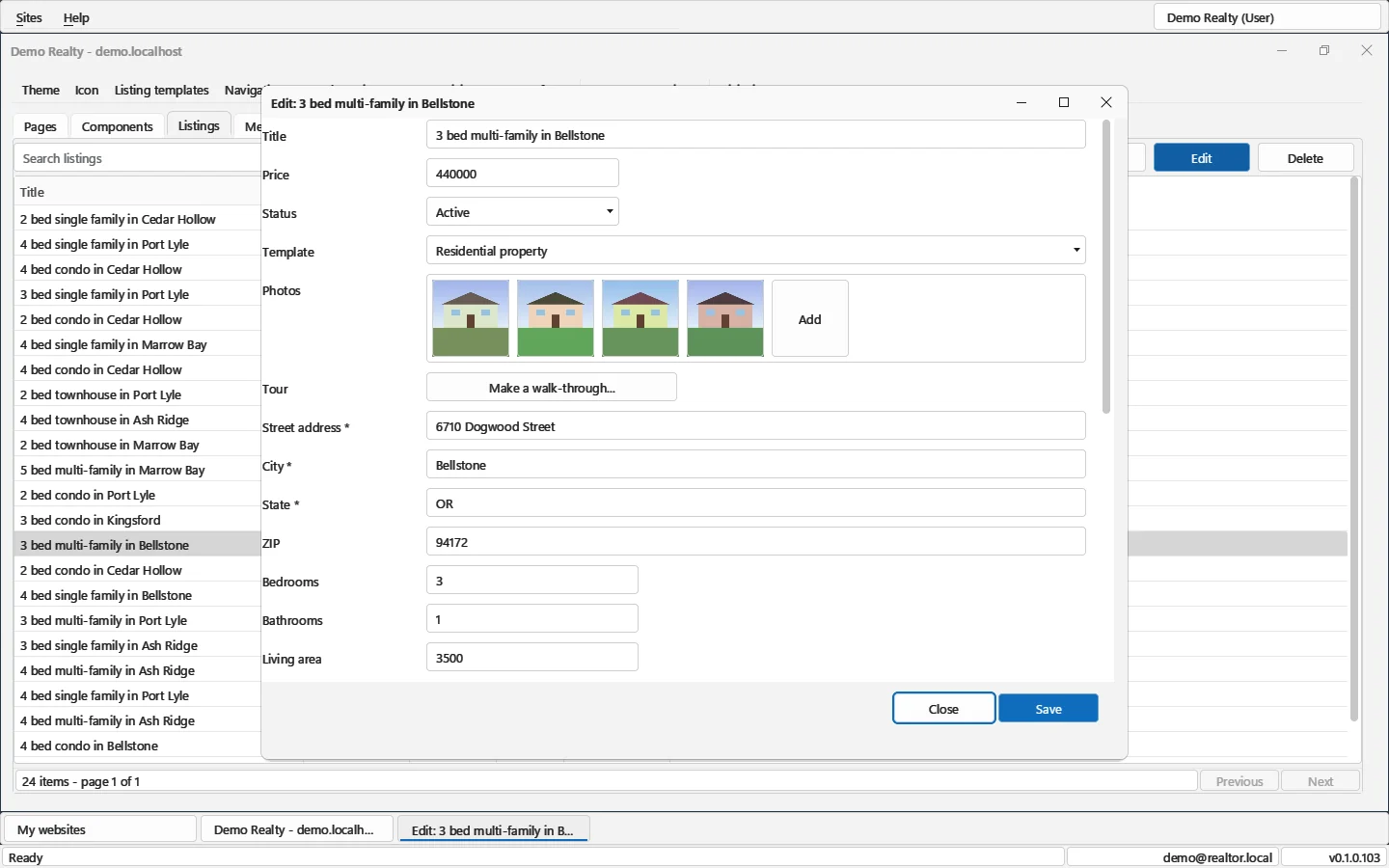
Real estate comes first, but you can list other things too. A listing template decides what a listing has, so the same site can sell a house, a plot of land, a painting or a billboard.
Listing templates
A template is the list of fields a listing carries: price, bedrooms, year built, acreage, medium, dimensions, whatever you sell. Templates for residential property, land and general items are included. The residential template covers the full description of a home: location and school district, rooms, style and construction, heating, cooling, water and sewer, parking, flooring, appliances, interior and outdoor features, HOA dues, property taxes and MLS number. The land template does the same for a parcel: frontage, zoning and current use, topography, vegetation, soil and flood zone, water on the property and water rights, irrigation, utilities and perc test, access, improvements, mineral and timber rights, easements and legal description. Leave blank whatever doesn't apply. Copy one to your site and change it, or start your own, and choose which template a new listing starts on.
Each listing is Active, Pending or Sold for the public, or a private Draft or Archived.
Whose listing it is
When several people work on a site, a listing belongs to whoever added it. A team member sees and edits their own listings; the account holder sees them all, with a Belongs to column in the list, and can hand a listing to somebody else from the listing editor. The Agent card on the listing page shows the picture, name, title, phone and email of whoever the listing belongs to, so each agent appears on their own listings. More about teams.
On your pages
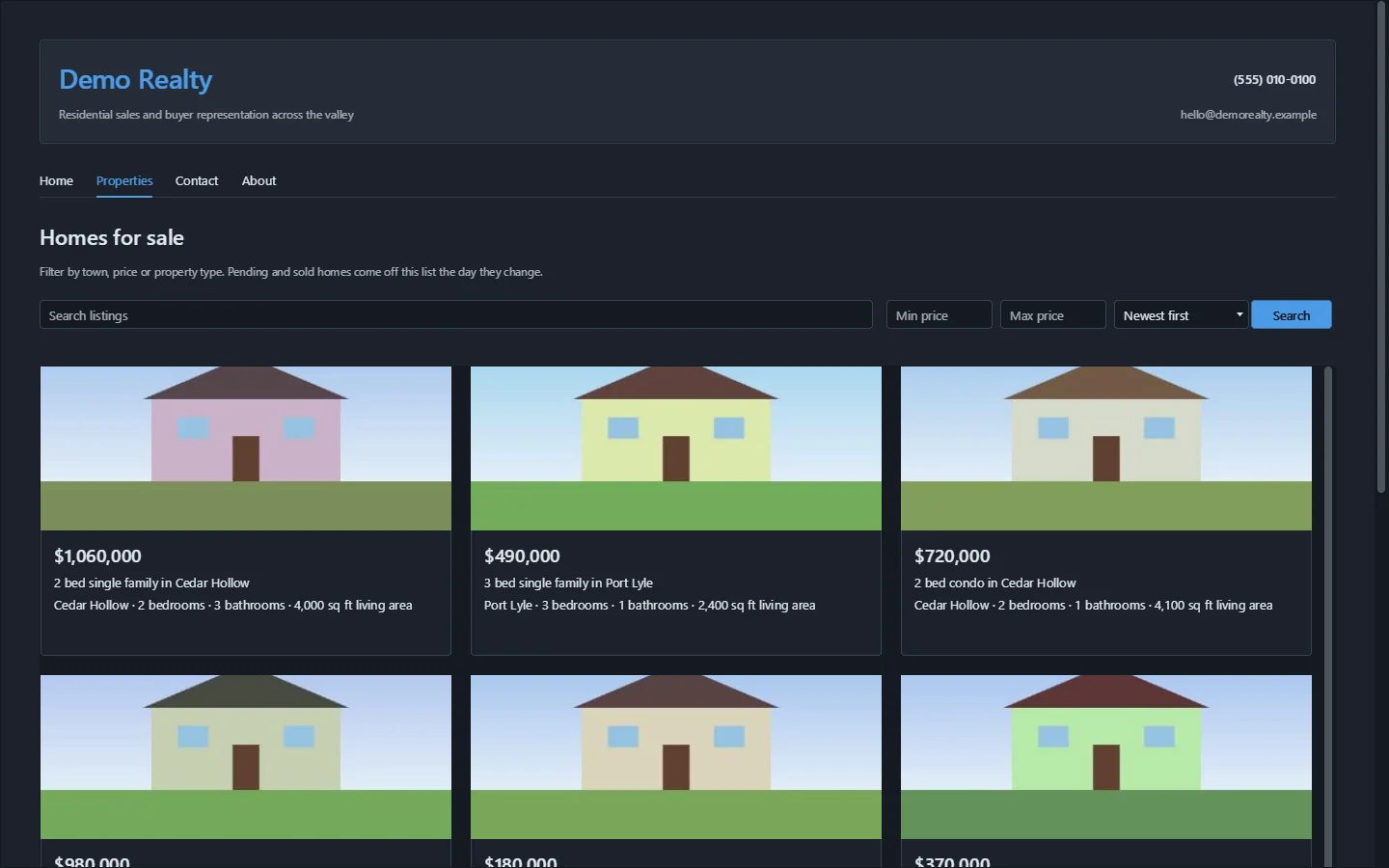
- A listing grid with columns, paging and a pager, showing all your listings or only some, such as one town or only what is Active.
- A search box visitors can use to search and sort.
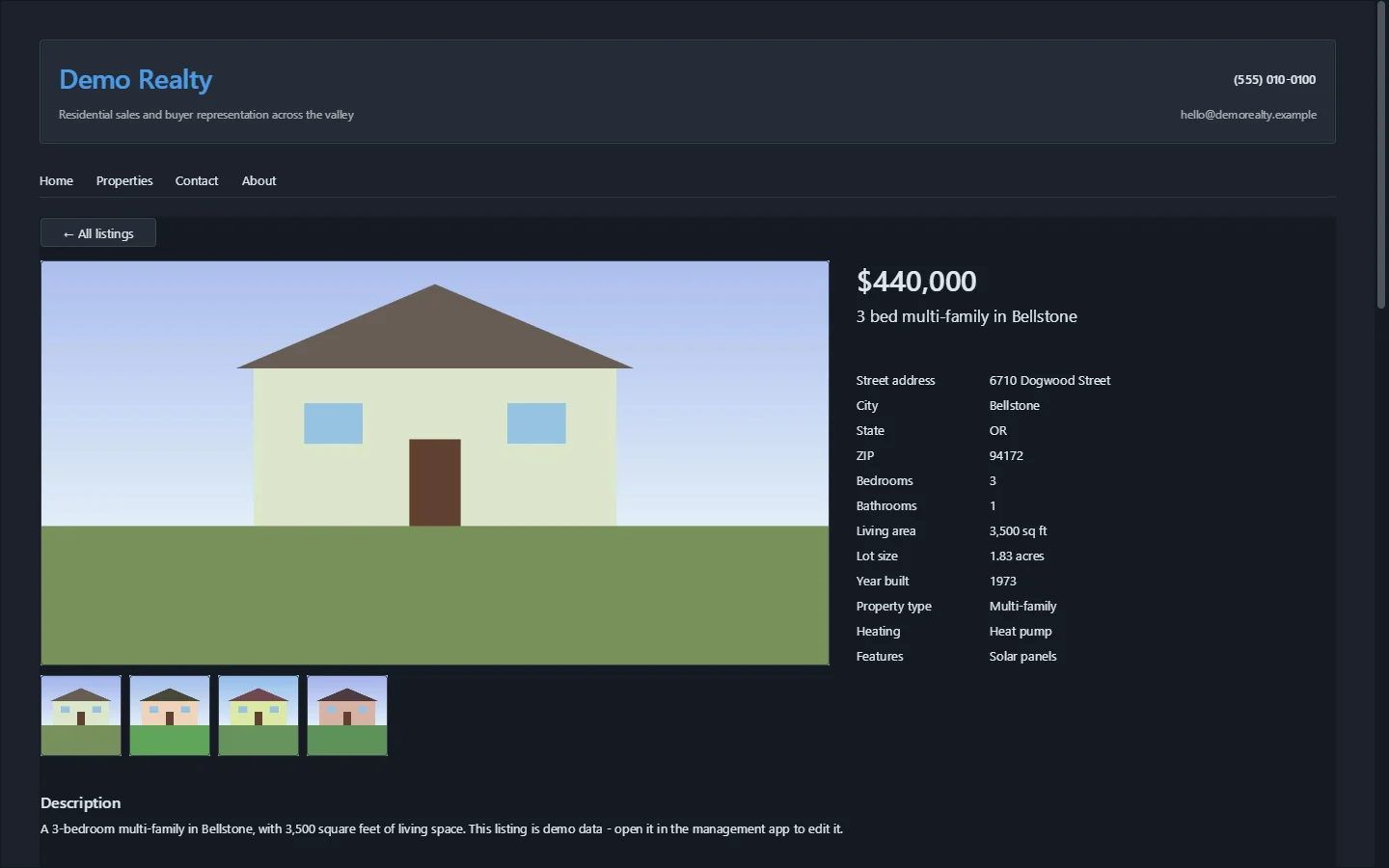
- A detail page with a photo gallery, a full-screen photo viewer and every field.
- A page can feature one listing by itself.
Photos
Upload JPEG, PNG or WebP photos, or take them from the listing editor on your phone. The platform turns pictures the right way up and notices duplicates. Rotate or crop a photo from the listing editor, in the browser or in the phone app: the edited copy takes its place on the listing and the original stays in the library. Each site keeps its listing photos in their own library, separate from the one for its pages.
A listing can carry walkthrough videos as well, played under its photos on the listing's page. Add them in the listing editor, or record one from the same screen on your phone and it is sent with the listing when you save, even if you are out of signal at the time. Videos are MP4 or WebM, up to 100 MB each; an iPhone's recording is converted on the phone.
360° tours
Add a panorama for each room, from a phone's panorama mode or a 360° camera, and link the rooms with arrows. Visitors press Walk through on the listing and move from room to room. A listing can have up to 40 rooms.
Maps
Place a map on a page from an address or a latitude and longitude, with a pin at the spot. Maps use OpenStreetMap and always credit it.
A listing's page shows a map of its address under the details. Each listing has a Show map switch, on unless you turn it off, and the listing editor tells you which address fields the map is waiting for. A listing with no address shows no map rather than an empty box, and a map placed on a listing page with no address of its own follows the listing being viewed.
Tools for buyers and sellers
Mortgage and affordability calculators and a seller net sheet are ready to drop onto any page. Each one tells the visitor that its figures are an estimate.