
Features
Templates and themes
Start from a finished site with real pages, then give it your own look without redesigning any of them.
Website templates
With listings:
- Classic Realty - a five-page agency site with a contact page.
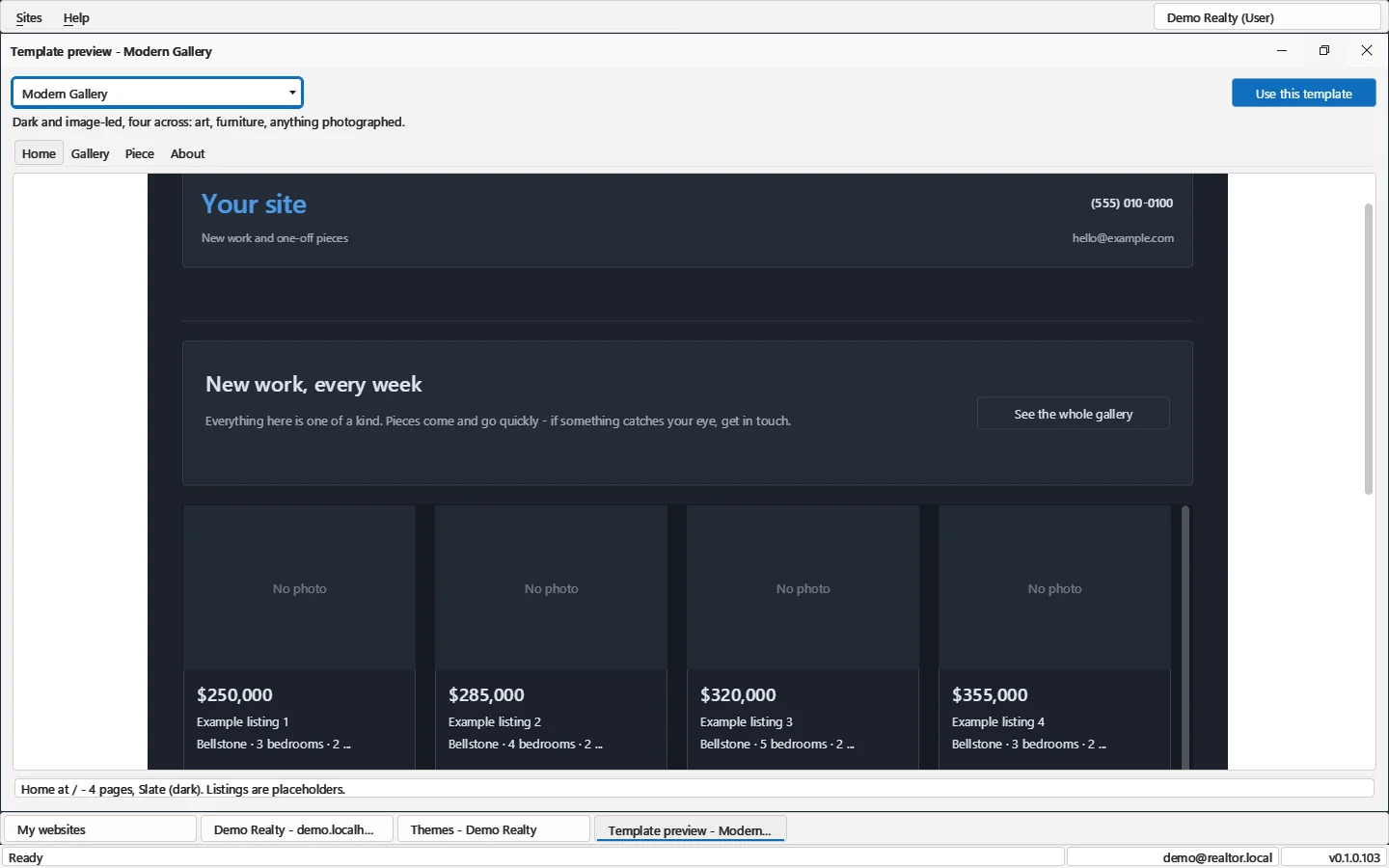
- Modern Gallery - dark, with listings four across.
- Land and Acreage - search first.
- One Page - everything on a single page.
Without listings: Professional Services, Personal Profile, Guides and Questions and Coming Soon. And Launch, a showcase of motion and art.
Preview a template's real pages, in its own theme, before you create your site.
The theme editor
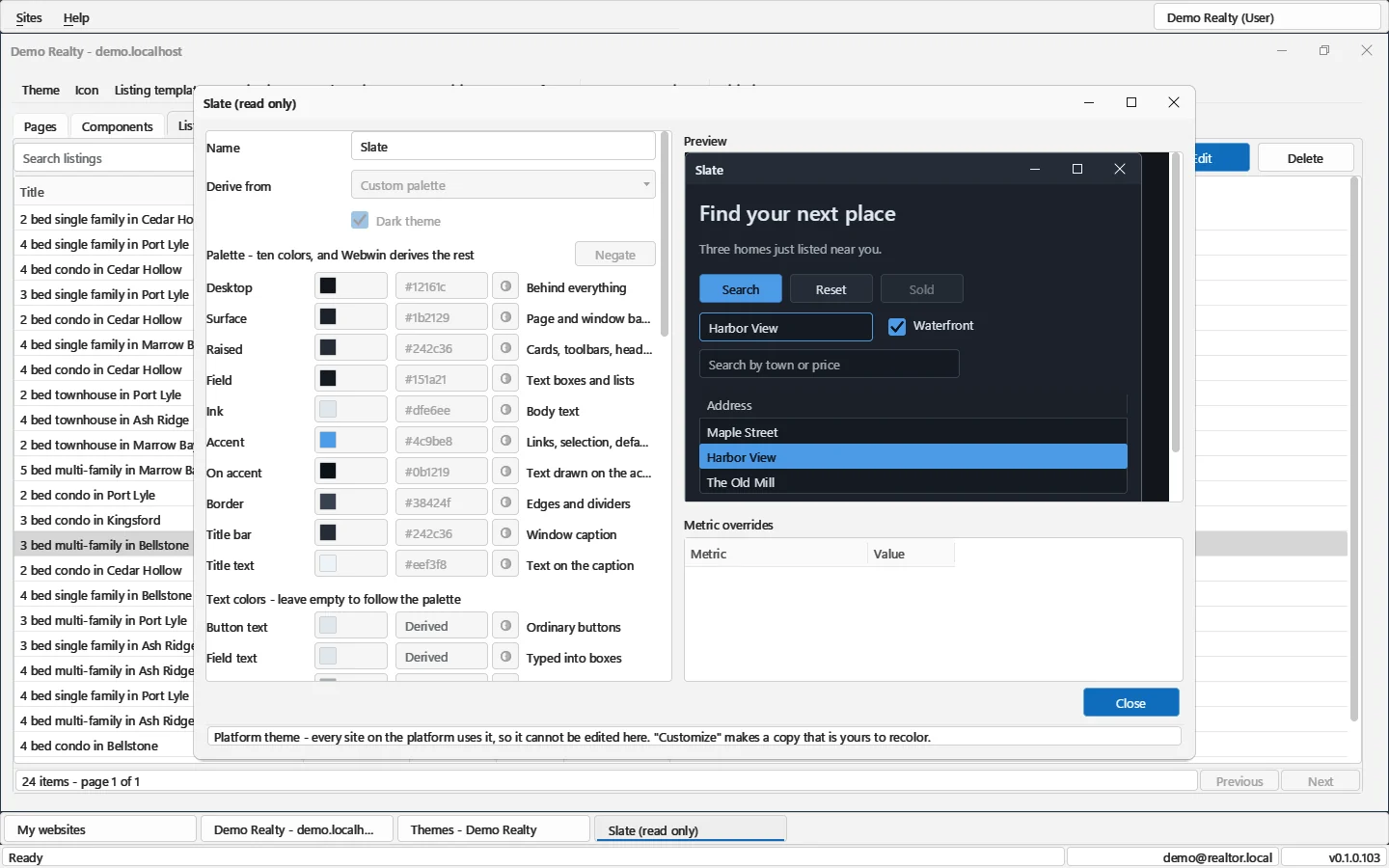
A theme is ten colors, expanded into a full palette, plus the typefaces, sizes and weights for body text, headings and code, and the roundness and spacing of controls. When you change one, a preview drawn with the theme you are editing shows the result right away.
Press Customize to give your site its own copy of a theme. Saving that copy restyles your site and nobody else's.
Navigation
Arrange your site's menu in one window: drag pages into order, show or hide each one, and rename it, with a preview in your site's own theme.