Features
Search, messages and metrics
Help people find your listings and get in touch with you, then see what they looked at.
Search engines
Search-engine support stays off until you turn it on, so search engines do not index a half-built site. Once on, every page gets a title, a description, a canonical address and social-sharing tags, and the site gets a robots.txt and a sitemap with an entry for every listing.
- Set a title and description per page, or keep a page out of search results.
- A listing shared on social media carries its own title and its photo.
- The site itself is drawn by the browser's graphics hardware, so each page can also carry its text for search engines to read.
Contact messages
Place a contact form on any page, or start a new page from one. Messages arrive in your site's Messages tab with an unread count, and Reply opens your own email program. You can switch the form off when you need to, and limits on how often anyone can post keep the tab from filling up.
The platform does not send email, so it does not notify you of a new message. Check the Messages tab.
Metrics
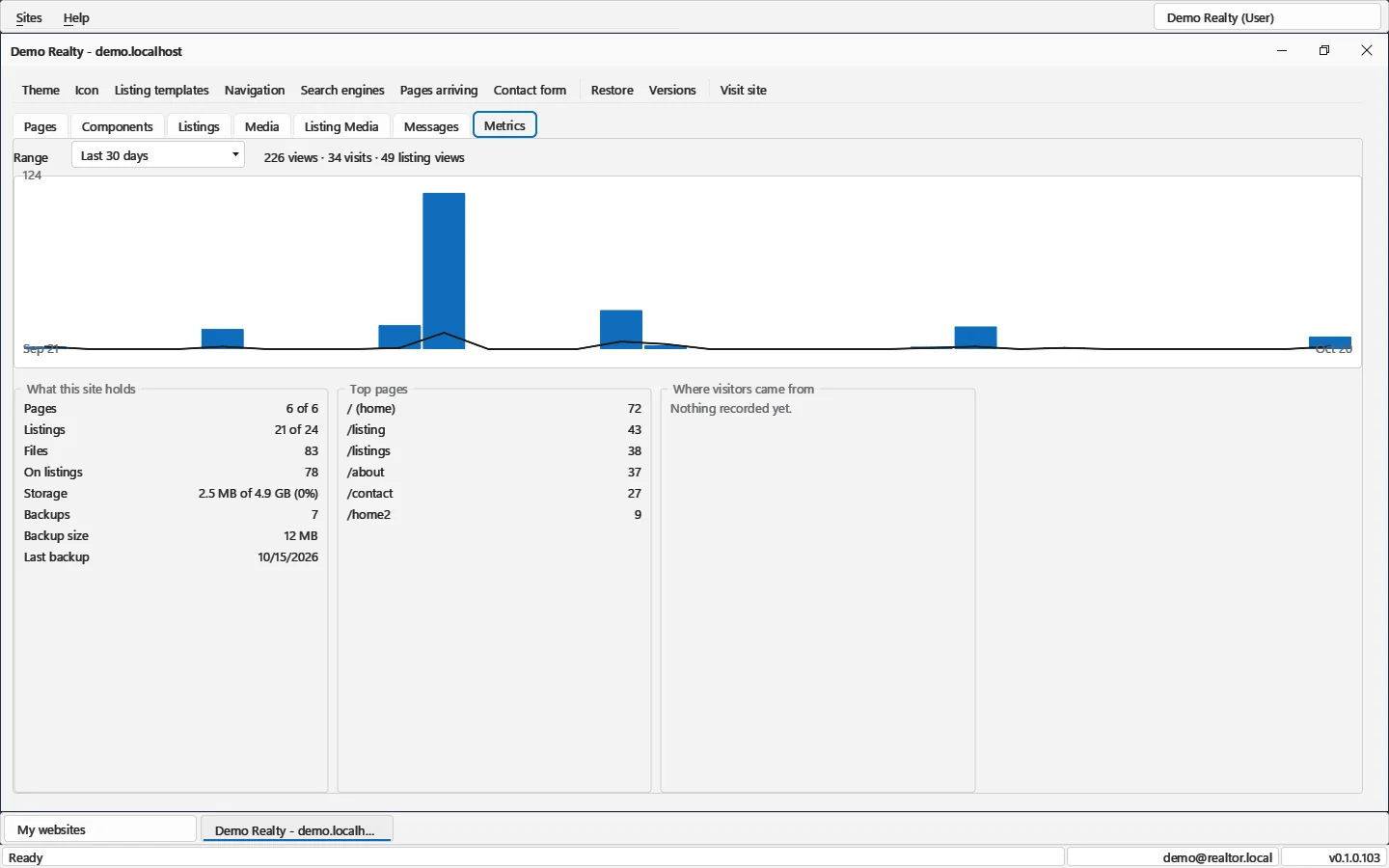
The Metrics tab shows views and visits over a week, month, quarter or year, your top pages, your most-opened listings and the sites that sent visitors to you, alongside your storage use and when the site was last backed up.
It keeps counts only. No IP address, browser details or record of a single visit is stored, so visitor counts are approximate.